
How to find receipts in Gmail and match them to bank charges
To find receipts in Gmail, start with a bank charge and look for the document that explains it. A search for “receipt” is a useful first pass, but it is not a complete collection method. Suppliers use different subjects, some send invoices instead, and a payment confirmation may only tell you that money moved.
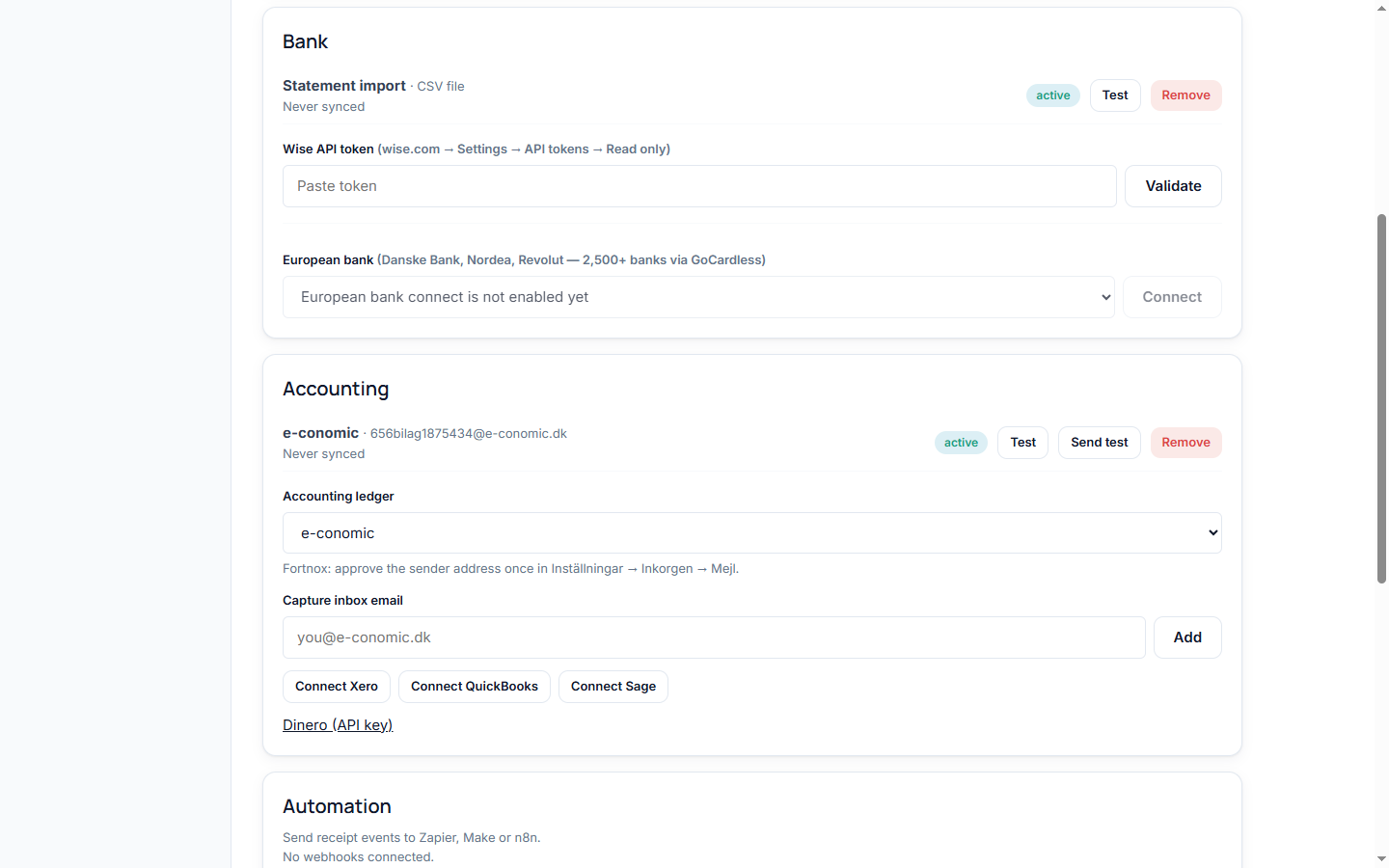
This guide gives you a repeatable search process and a way to record what remains unresolved. You can follow it manually for a handful of purchases. If the same work returns each month, the final section explains where Receipt Pair can help and where you still need to review the evidence.
Start with a short list of bank charges
Choose a period small enough to finish, such as one week or one statement month. For each purchase, record the merchant description, transaction date, amount and currency. Keep an additional column for the document you find and one for the next action. The bank statement is your checklist of purchases to investigate, rather than a substitute for the receipt itself.
Separate purchases from refunds, transfers and other movements before searching. A transfer between your own accounts is a different question from a supplier charge. Avoid spending half an hour looking for a retail receipt for an entry that was never a purchase. If the purpose is unclear, leave a note and ask the person who made the payment.
For example, imagine a card entry for EUR 48.00 with a shortened merchant name. Write down that exact entry, then add the supplier name you recognise from the purchase. Treat that name as a search clue, not proof. Several suppliers can use similar descriptions, and a familiar name can still lead to the wrong month's invoice.
Search Gmail in stages
Google documents the operators below in its Gmail search guide. Combine them in the search box, replacing the example dates and sender with your own details.
{receipt invoice} after:2026/08/01 before:2026/09/01looks for either term within a date window.from:billing@example.comnarrows the search to a known sender.filename:pdfsearches for PDF attachments.has:attachmentsearches for messages with attachments.in:anywhere "supplier name"includes Spam and Trash when searching for that phrase.
Use these as successive checks rather than putting every condition into the first search. A receipt in the message body will not necessarily have an attachment. A message from a payment service may use a different sender from the supplier. Removing one restriction at a time helps you see which assumption made a search too narrow.
Try a wider date window if the first pass finds nothing. In our EUR 48.00 example, I would begin with the week around the charge, then inspect the surrounding month. The aim is to build a shortlist you can check, not to accept the first result. Keep the original bank entry visible so you do not lose track of which purchase you are resolving.
Connect your bank and inbox. Receipt Pair searches for matching receipts and keeps missing items available for follow-up.
Start pairing freeCheck the document against the charge
Open the candidate document and compare its supplier, total, currency and date with your checklist. Where available, record the invoice number or order reference too. A matching amount alone is weak evidence: recurring subscriptions often cost the same each month, and two orders from one merchant can share a total.
Read the document's purpose. An order confirmation, shipping notice, payment reminder and final invoice can all refer to the same purchase. Keep the document that supports the transaction you are investigating, and note related documents when they explain a difference. Do not attach several copies of the same invoice as if they were separate purchases.
If the currency or amount differs, pause before marking the charge resolved. The difference might involve conversion, a partial payment, a refund or several items paid together. Those are possibilities to investigate, not reasons to force a match. Write a short explanation once you have checked the details, or leave the entry open for your accountant to review.
Keep an honest list of what is still missing
A search with no useful result does not tell you why the receipt is missing. The document might be in another mailbox, available in the supplier's account portal, held by a colleague, or never sent. Record the searches you tried and give the entry a next action. “Ask Alex which email address was used” is more useful than “not found.”
When contacting a supplier, include the purchase date, amount, currency and any order reference you already have. Ask for the receipt or invoice for that specific purchase. Avoid sending a full bank statement when a few details will identify the order. Keep the request associated with the original charge so the reply can be checked when it arrives.
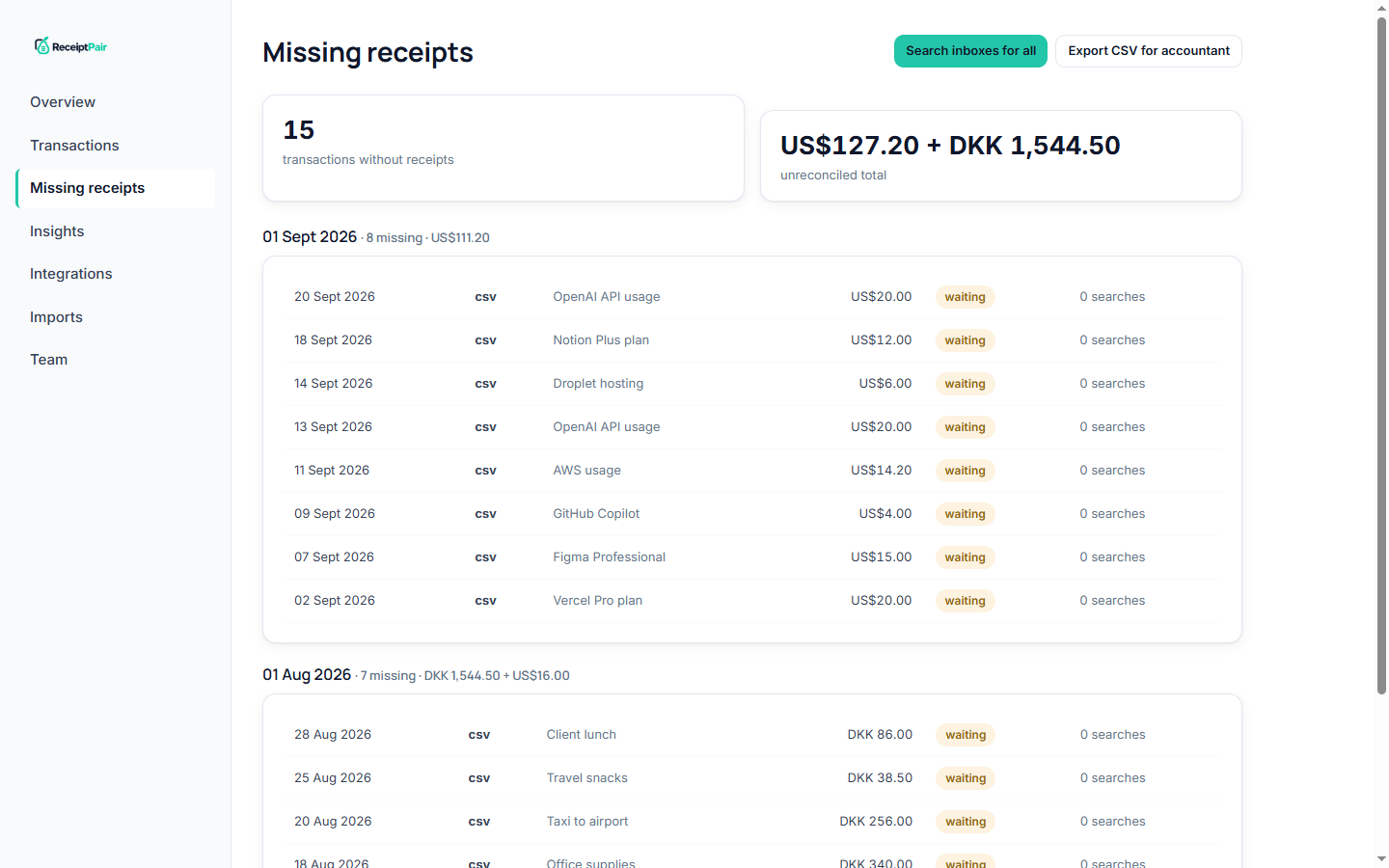
Set a review date for open requests and assign one person to follow up. A shared list is useful only if someone knows which items they own. Our guide for accountants explains the workspace approach, while the missing receipts guide covers the report used to track outstanding documents.
Move repeated searches into a capture workflow
Manual searching is manageable when you have a few outstanding purchases. For a recurring workload, Receipt Pair connects bank activity with a connected inbox and searches for receipt candidates. The integrations page lists connection options. Statement imports provide another starting point when you are working from exported bank activity.
Begin with a small period and review the results before importing a large backlog. Check a few known purchases, inspect any items marked for review, and look at what remains missing. This gives you a practical way to confirm that you connected the mailbox and bank account relevant to the business you are working on.
Automation does not create a document the supplier never sent. It also does not remove the need to check an uncertain match. Use the transaction view to review supporting documents and the missing report to organise follow-up. Before connecting a mailbox, read the security information and decide which account contains the business receipts you intend to process.
At the end of the period, aim for a record you can explain: each purchase has a checked document, an open question, or a clear next action. That is more useful than a folder full of PDFs with no link back to the charges. Start with one week, finish the unresolved list, and reuse the same process for the next period.
Try Receipt Pair. Connect your accounts, then review the first results. Free while in early access.
Start pairing free