
The loop that pairs every charge with its proof.
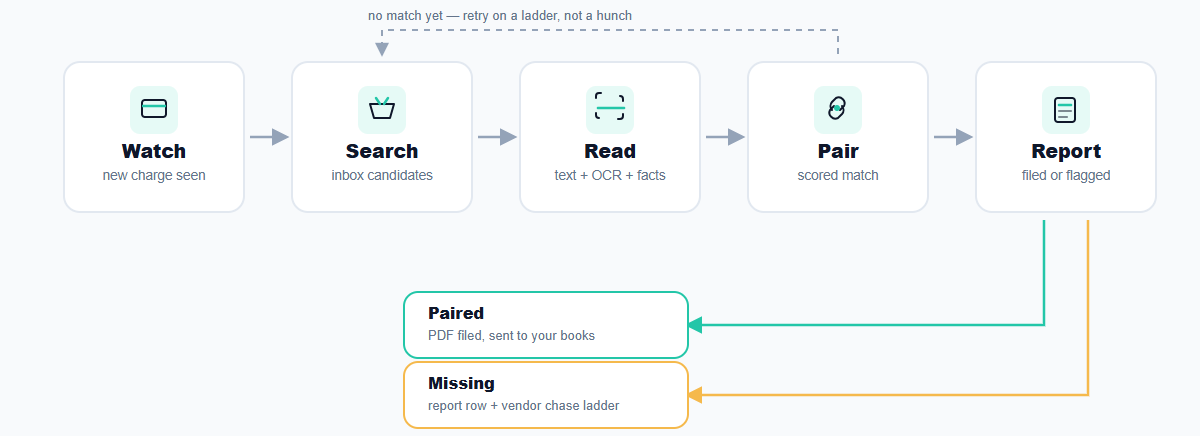
Receipt Pair runs the same steps around the clock: watch the bank, search the inbox, read the document, pair the match, report what is missing.
The capture loop
-
Watch
Every few minutes Receipt Pair checks your connected bank for new transactions. Wise connects with a read only token; other banks come in through statement upload.
-
Search
Each new charge starts an inbox search for candidate receipts: merchant name, amount, currency, and a date window around the charge.
-
Read
The document's own text is read first. Photos and scanned PDFs get transcribed by OCR. Merchant, invoice number, date, and VAT amounts come out as structured fields.
-
Pair
Candidates are scored on how well they match. A confident match becomes a PDF in your private storage, linked to the transaction and queued for review.
-
Report
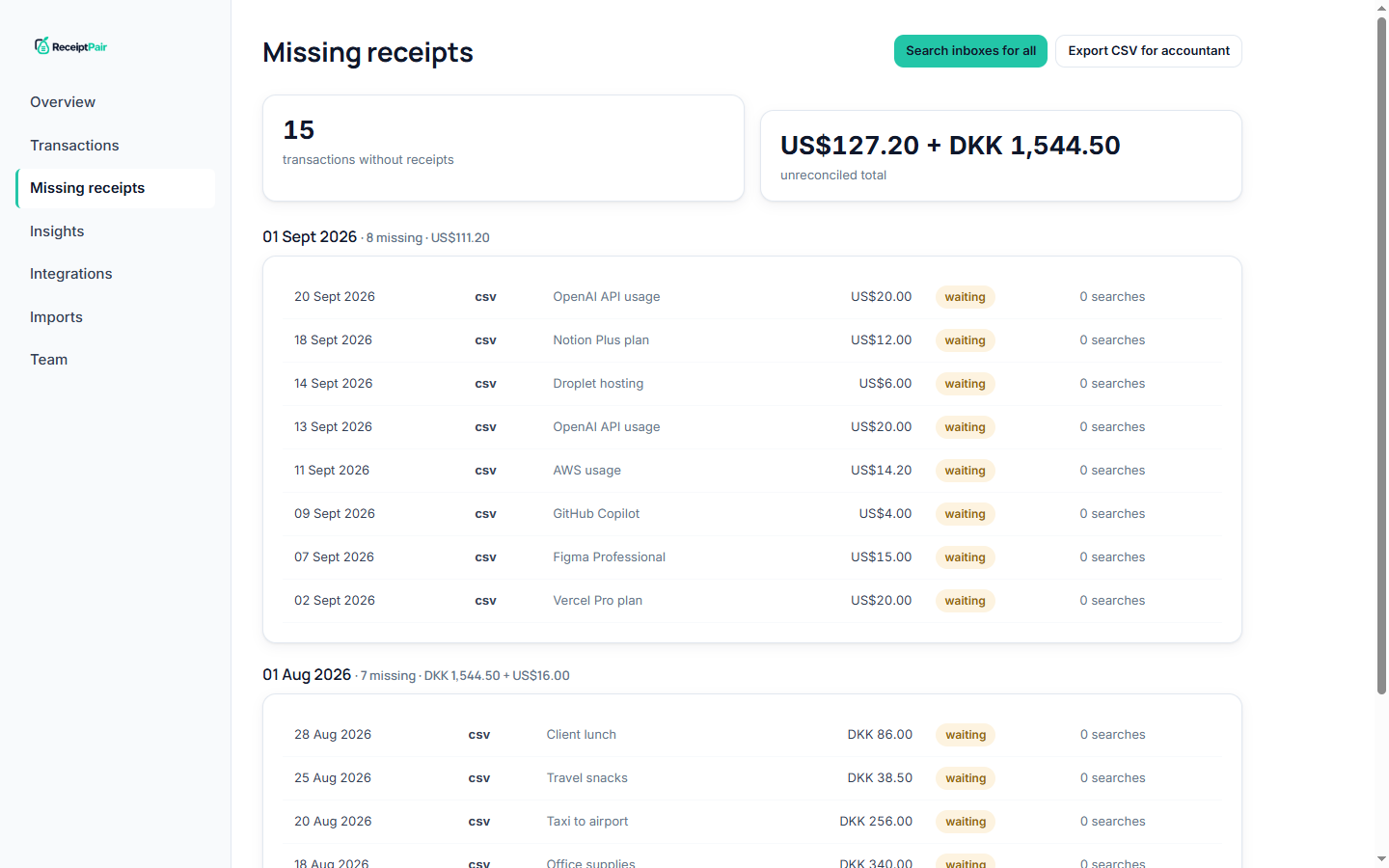
If nothing matches after the retry ladder runs out, the charge lands on your missing receipt report instead of disappearing.


What a pair looks like
The charge and the document become one record, with the VAT treatment alongside.
Why it waits before it searches
Receipts almost never arrive before the charge clears. A supplier emails the invoice hours or days after the card is charged, so searching the moment a charge appears finds nothing.
Receipt Pair waits, then searches on a retry ladder. If the first pass finds no match, it tries again on a delay, and keeps trying until the ladder runs out. Only then does a charge count as missing.
The result: your inbox gets searched when the receipt is actually likely to be there, and a charge marked missing means something real is missing, not that the timing was unlucky.
Every receipt reads itself
Text first, OCR second
Most receipts arrive as PDFs with a text layer, which is read directly. Phone photos and scanned PDFs go through vision OCR on Cloudflare's edge network, and the transcription feeds the same matching rules.
Facts in, VAT out
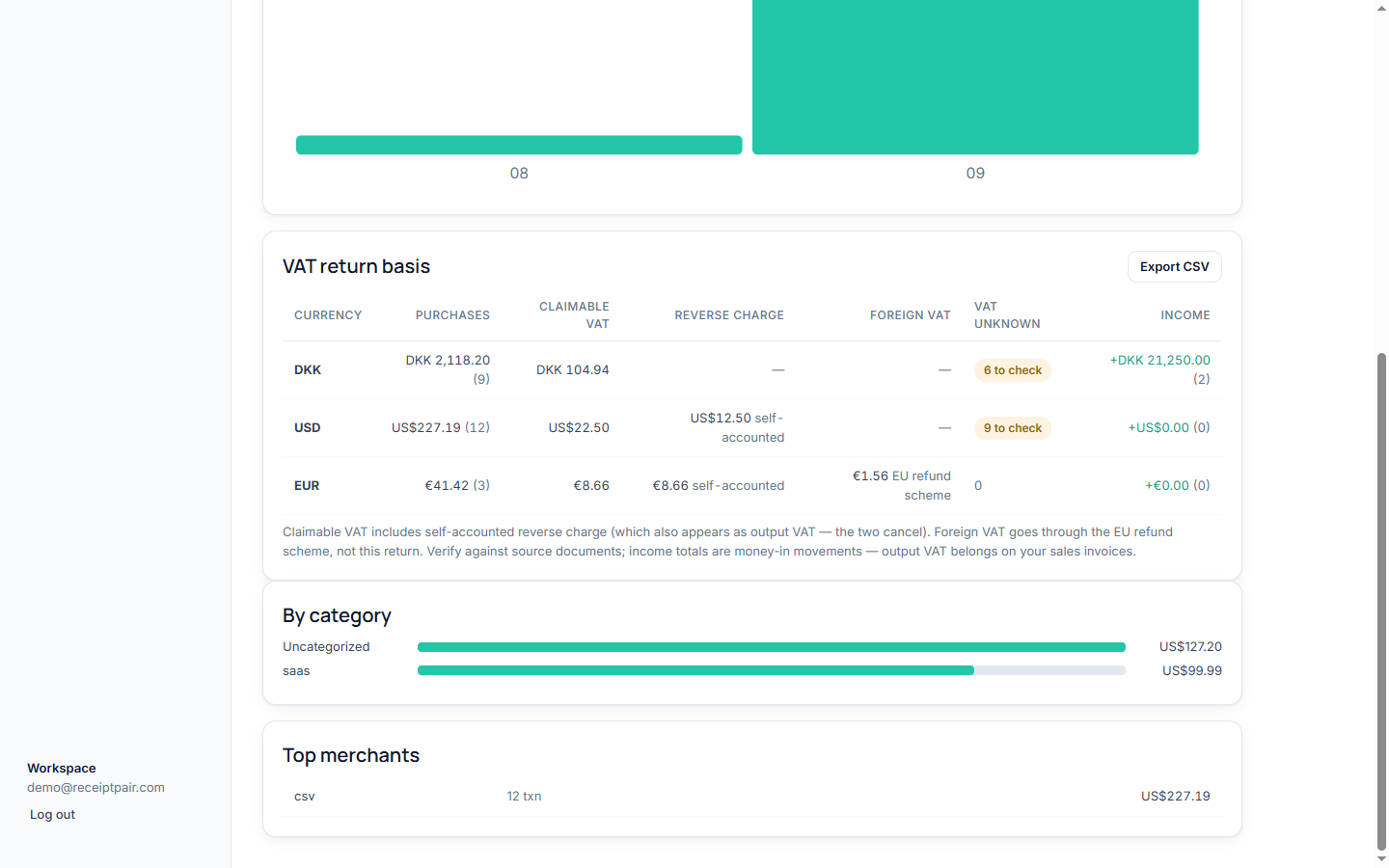
From each document Receipt Pair extracts the supplier country, VAT rate and amount, invoice number, and document date. Deterministic rules then classify the Danish VAT treatment: domestic, reverse charge EU or import, foreign VAT, or non-deductible. The model reads; the rules decide.
A December invoice paid in January counts in December. The VAT return summary buckets by document date and keeps currencies separate.
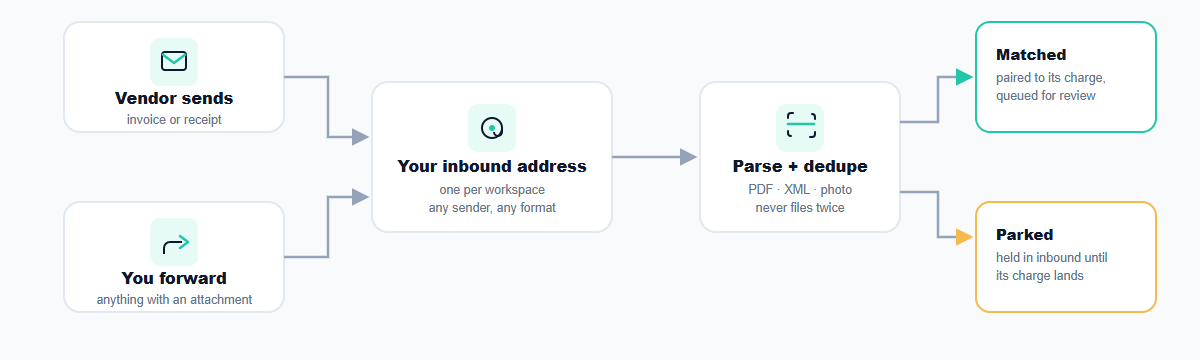
Three ways receipts arrive
-
Found in your inbox
The loop above. Receipt Pair searches connected mailboxes for the attachment that matches each charge.
-
Forwarded to your address
Every workspace gets an inbound receipt address. Forward an email, or have a vendor send invoices there directly, and attachments match themselves.
-
Dropped in a pile
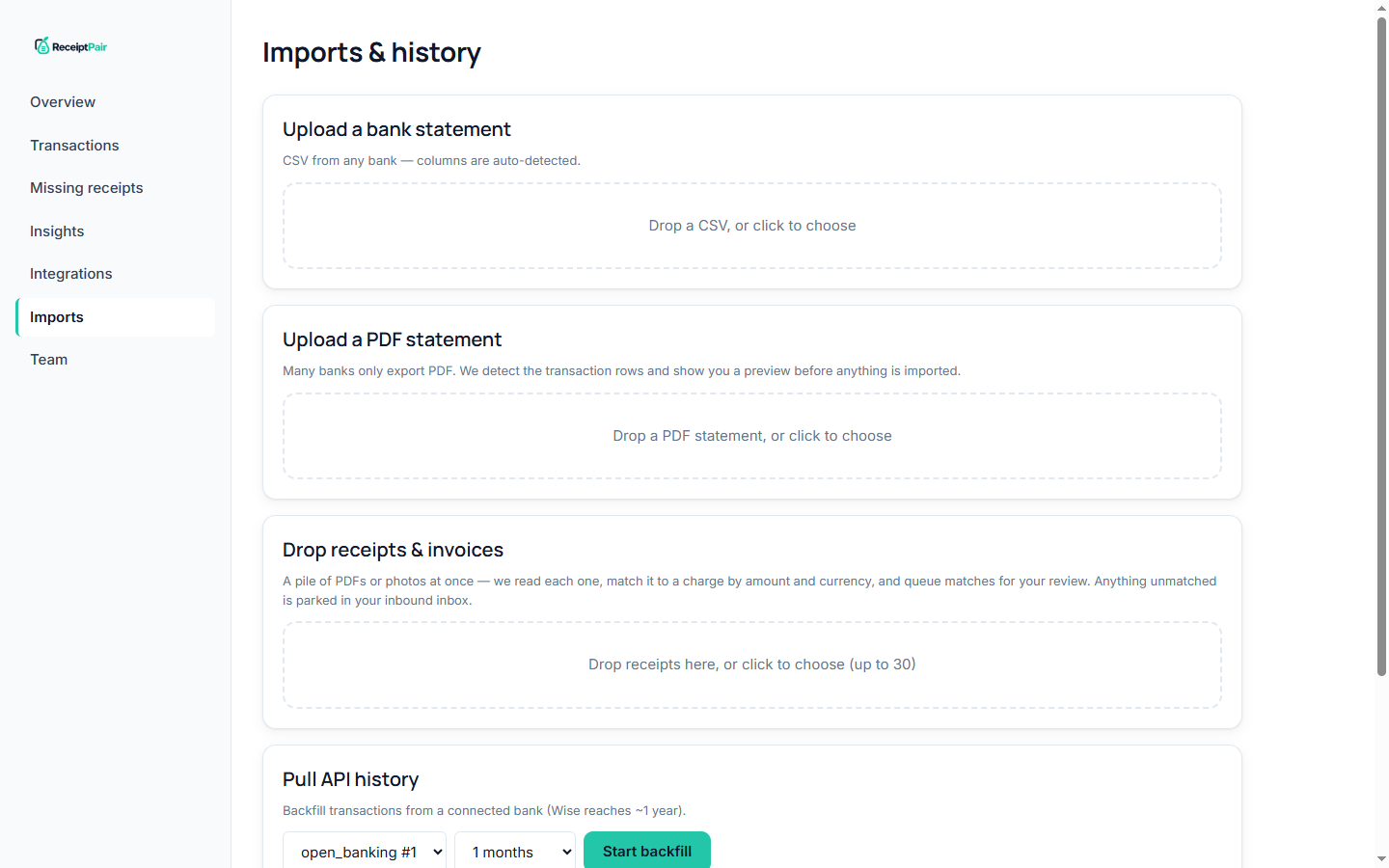
Drag up to 30 PDFs or photos onto the import view at once. Each is read, matched by amount, currency, and date, and parked for review if nothing fits.


Catching up on history
API backfill
Wise history reaches about a year back through the API. Pick a depth during onboarding, or run a backfill later, and old transactions flow through the same loop: search, read, pair, report.
Statement upload and bulk drop
For any bank in the world, export a CSV or PDF statement and drop it in. For the receipts themselves, drop the whole Downloads folder of PDFs and photos; matched ones queue for review, unmatched ones park in your inbound inbox.
What lands in your books
Matched receipts save as PDFs in private storage scoped to your business, with the extracted fields alongside: invoice number, document date, VAT treatment, and the VAT return summary they roll up into.
Your bookkeeper can be invited into the workspace, or handed the missing receipt export to chase the rest. Every Monday one email summarizes what is still missing.
Set it up once.
Connect your bank and inbox. The loop handles the rest.
Start pairing free