
How to automate receipt capture from a Wise account
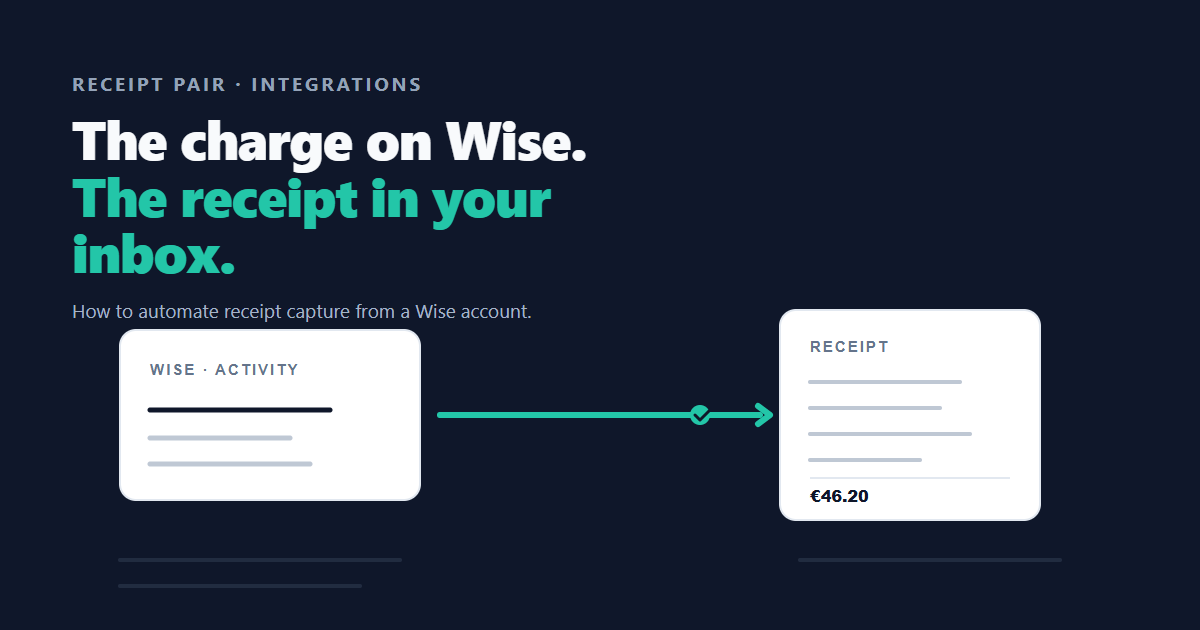
Wise receipt capture means pairing each charge on your account with the proof sitting in your inbox.
Wise is good at showing you what you spent. It is not built to prove it. The charge appears in your activity feed with a merchant name and an amount, and the receipt, the thing your accountant and your tax return actually need, stays wherever the merchant emailed it.
This post covers what Wise gives you to work with, how automated capture connects to it, and what happens to each charge once the loop is running.
What Wise gives you to work with
Wise business accounts expose your activity through an API. A read only API token, created in your Wise settings under Wise's API token guide, lets an approved application list your transactions without touching anything else. The token cannot move money. It reads.
That read access reaches about a year of history, which matters more than it sounds: the months you already fell behind on are reachable, not just the charges from today forward.
For anything beyond that window, or for banks that are not Wise, a statement export does the same job. Wise lets you download statements as CSV, and a CSV of charges is all an automated tool needs.
The other half of the problem
The charge is only one side of the pair. The receipt lives in your inbox, usually as a PDF attachment or an inline invoice from the merchant.
So automated capture needs two connections: the bank that records the spend, and the mailbox that holds the proof. Gmail connects through Google's OAuth consent with read only access, which means the tool can search and download attachments but cannot send, delete, or modify a single message.
With both connected, the loop is complete: Wise says the money moved, the inbox supplies the evidence, and the two get paired without you in the middle.
Connect your bank and inbox. Receipt Pair searches for matching receipts and keeps missing items available for follow-up.
Start pairing freeConnecting Wise to Receipt Pair
The setup takes about five minutes and happens once:
- Create the token. In Wise, go to Settings, then API tokens, and create a read only token. Read only is the whole point: the token can list your activity and nothing more.
- Paste it in. In Receipt Pair, add a bank integration and paste the token. The token is verified live against Wise before anything is stored, so a typo fails loudly instead of silently.
- Pick the profile. If the token can see more than one Wise profile, you choose which business this workspace covers.
- Connect the inbox. One Gmail OAuth click. Read only, and raw email content is never stored.
- Choose the history depth. Pull the last month, six months, a year, or drop in CSV statements for anything older.
After that there is nothing to run. The loop is always on.
What happens to each charge after that
Every new Wise transaction starts the same sequence:
- Detect. Receipt Pair polls Wise every few minutes and picks up new activity.
- Wait. Receipts lag the charge, often by hours or days, so the search runs on a retry ladder rather than immediately.
- Search. Your inbox is searched for candidates by merchant name, exact amount, currency, and a date window around the charge.
- Pair. The best-scoring match becomes a PDF in your private storage, linked to the transaction. If nothing qualifies after the ladder, the charge goes to the missing receipt report.
The same treatment applies to history. A backfill run pushes old transactions through the identical pipeline, so January's charges get the same hunt as yesterday's.
Where it stops
Honesty about limits matters more than a feature list, so: Wise receipt capture covers charges and their email-delivered proofs. It does not fetch invoices that live only inside a vendor portal, and it cannot invent a receipt for a charge that never produced one. Those land on the missing report, which is the honest outcome.
Charges from other banks work the same way through statement upload. And receipts that arrive in an Outlook inbox are on the way; the Gmail connection is the live one today.
The short version
Wise tells you the money moved. Your inbox holds the proof. Connect the two once, and every charge either pairs with its receipt or lands on a list you can actually finish. That is the whole job, and it is free while Receipt Pair is in early access.
See connecting your bank and inbox and importing statements and receipts in bulk for the setup steps.
Try Receipt Pair. Connect your accounts, then review the first results. Free while in early access.
Start pairing free